Add a deadline
Type it, paste a list or scan it from a photo.
Share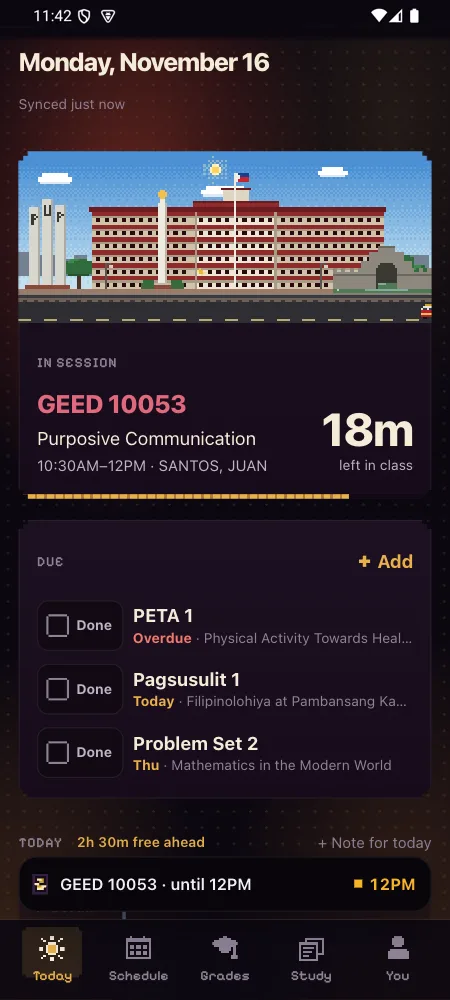
+ Add on the Due card takes a deadline in plain words. It guesses the subject from the code you type, so COMP picks the class that meets that day.
Scan reads a photo of the board or a handout. The text is tidied on the phone: line wraps joined, page numbers dropped, codes and dates kept exact. With IntAssis on, LAR also fixes scan mistakes, and his version is refused if it changes any number, code or date.
How to use it
- Tap + Add on the Due card.
- Type it, or tap Scan and take a photo.
- Check the date and subject, then save.
Have it on your phone
Free, with no IntPortal account. Your login only goes to your school.
How it's meant to work, criterion by criterion: spec 041.