Meet LAR
Before any form, a short talk with LAR about you and what you need.
Share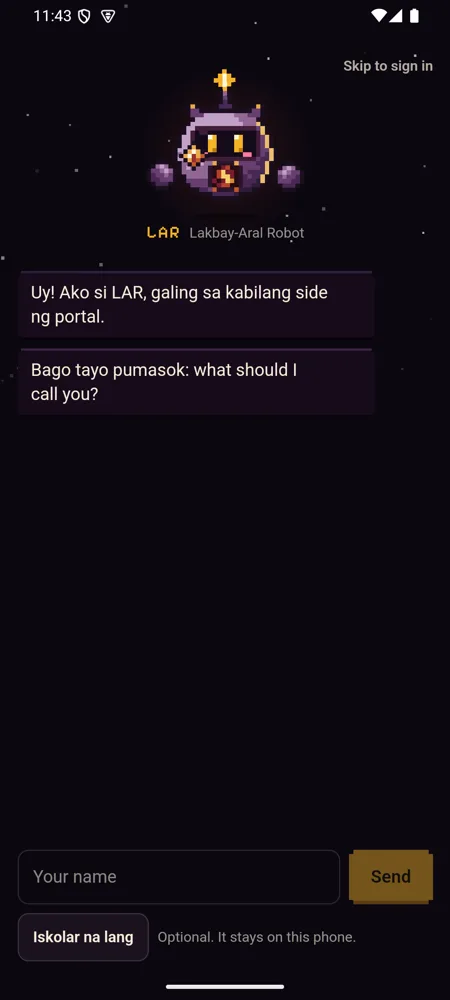
The first time you open IntPortal, LAR comes through the portal and talks with you on a page of his own. He asks what to call you, your campus and what you need most.
Inside the talk he shows how the app works: a class countdown you can scrub, a deadline you tick, a study card you flip and a "No signal" switch that shows your data staying put. Then you pick a look and reminders, and he flies back into the portal for sign-in.
Your name is optional and stays on the phone. "Iskolar na lang" skips it.
How to use it
- Open IntPortal for the first time.
- Answer LAR, or tap "Iskolar na lang" to skip your name.
- Try the cards he shows you, then pick a look and reminders.
- Or tap "Skip to sign in" at any time.
Have it on your phone
Free, with no IntPortal account. Your login only goes to your school.
How it's meant to work, criterion by criterion: spec 049.